
Why Does a Cordless Vacuum Battery Drain So Quickly?
Before replacing a cordless-vacuum battery for short runtime, check Max/Turbo use, powered-brush load, filters, airflow, flooring, battery temperature, and whether charging is actually complete.
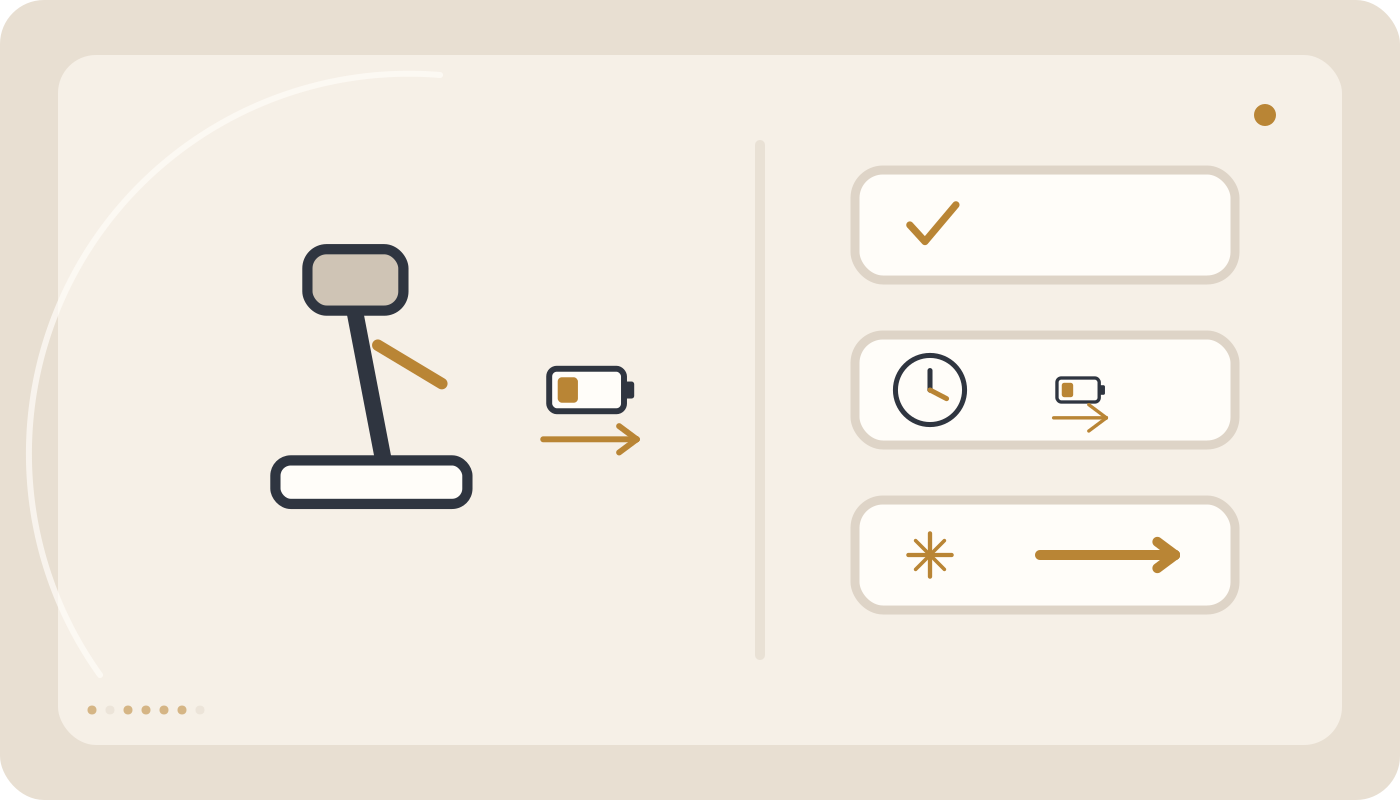
Fully charge the battery, clean the bin, filter, and brush, then test in Standard/Eco mode on hard flooring. A severe repeatable runtime loss in every mode after these checks can indicate reduced battery capacity.
Where should you start?
Why Does a Cordless Vacuum Battery Drain So Quickly?
A shorter cordless-vacuum runtime does not automatically mean the battery has failed. Max or Turbo mode, a powered brush, thick carpet, restricted airflow, dirty filters, temperature, and incomplete charging can all reduce operating time.
Quick answer: Fully charge the battery, empty the bin, clean the filter and brush, then test the vacuum in Standard or Eco mode on hard flooring. Short runtime only in Turbo can be normal. If runtime has fallen dramatically in every mode after correct charging and cleaning, or the vacuum shuts down suddenly under load, battery ageing becomes more likely.
Quick diagnosis
| Condition | Likely cause | First check |
|---|---|---|
| Drains quickly only in Max/Turbo | High power demand | Compare with Standard/Eco |
| Runtime is much shorter on carpet | Higher brush and motor load | Compare on hard flooring |
| Weak suction and short runtime | Restricted airflow | Inspect filter, bin, and airway |
| Brush is wrapped with hair | Excess mechanical resistance | Clean the brush roll |
| Vacuum stops after several minutes and later works again | Heat or battery protection | Check battery temperature |
| Shows full very quickly, then drains quickly | Capacity loss or incomplete charging | Check charger and full charge cycle |
| Runtime is poor in every mode | Possible battery ageing | Perform a controlled runtime test |
| Battery is swollen, extremely hot, or smells unusual | Potential battery failure | Stop using and charging immediately |
1. Measure runtime under comparable conditions
Published runtime depends on power mode, powered attachments, flooring, and test conditions. Do not compare a Turbo-mode cleaning session on carpet with an Eco-mode specification measured under lighter conditions.
2. Max and Turbo modes consume much more energy
High-power operation demands substantially more energy from the suction motor and, on many models, the powered floor head. Normal Standard/Eco runtime with short Turbo runtime does not by itself prove battery failure.
3. A loaded powered brush increases consumption
Hair, thread, and fibres wrapped around the roller create mechanical resistance. Switch the vacuum off and clean the brush according to the product instructions.
4. Thick carpet is not the same as hard flooring
Brush resistance and suction load can be higher on deep carpet. Compare runtime using the same power mode on a hard floor before blaming the battery.
5. Dirty filters and restricted airflow
A clogged filter, overfilled bin, or blocked airway reduces cleaning performance and often leads to higher-power use. Clean filters according to the manual. A washable filter must be completely dry before reinstallation.
6. Empty the bin before airflow becomes restricted
Accumulated dust, lint, and hair can obstruct airflow. Empty the bin and inspect accessible passages without using sharp tools that could damage the vacuum.
7. High battery temperature affects operation
After heavy use, battery-management protection may limit output or shut the vacuum down. Let the battery cool naturally at normal room temperature.
8. Very low temperature can also reduce performance
Lithium-ion batteries do not perform at their best when very cold. If the vacuum has been stored in a cold location, allow it to return naturally to normal room temperature before evaluating runtime.
9. Is the battery actually receiving a full charge?
Check the charger, cable, dock, and charging contacts. A “full” indicator alone does not prove that the battery still has normal usable capacity. Unusually fast apparent charging followed by rapid discharge deserves further investigation.
10. Lithium-ion batteries gradually lose capacity
Capacity decreases with age and charge cycles. The important clue is a repeatable decline compared with the vacuum’s previous performance under similar conditions.
11. What does sudden shutdown under load suggest?
If the vacuum operates at light load but switches off when Turbo is selected or when the floor head meets heavy carpet resistance, the battery may be unable to supply the required current. Brush blockage and overheating should still be ruled out first.
12. A useful controlled home test
- Empty the dust bin.
- Inspect the filter and airway.
- Remove hair and thread from the brush roll.
- Fully charge the battery at normal room temperature.
- Select Standard mode.
- Measure runtime on the same hard-floor surface.
- Repeat the test under similar conditions.
A repeatable result is more meaningful than one isolated test.
13. Do you need to drain the battery to zero every time?
No routine deliberate full discharge is required for a lithium-ion battery. Follow the charging and storage guidance for the exact vacuum model.
14. Heat and poor storage conditions
Long exposure to high temperatures, such as inside a hot vehicle or next to a heat source, is undesirable for lithium-ion batteries. Follow the manufacturer’s storage guidance for long periods of non-use.
15. When is genuine battery wear more likely?
- Runtime has fallen severely in every power mode.
- The battery drains very quickly after a verified full charge.
- The vacuum shuts down suddenly under load.
- Charging appears to finish unusually quickly but usable energy is low.
- The problem remains after airflow, brush, temperature, and charger issues are eliminated.
Stop using the battery immediately if
- The battery is swollen or deformed.
- The housing is cracked or seriously damaged.
- There is an unusual smell or evidence of burning.
- The battery becomes abnormally hot during use or charging.
- There is leakage, smoke, or sparking.
Never open, puncture, or attempt cell-level repair of a lithium-ion battery pack.
Common mistakes
- Comparing Turbo runtime with an Eco-mode specification.
- Operating with hair and thread wrapped around the brush.
- Ignoring clogged filters or restricted airflow.
- Testing the battery while extremely hot or cold.
- Using an incompatible charger.
- Declaring the battery faulty after one uncontrolled test.
- Continuing to use a swollen or abnormally hot battery.
When is service appropriate?
If runtime remains severely reduced after correct charging, cleaning the airflow path and brush, allowing normal battery temperature, and repeating a controlled Standard/Eco test, the battery, charger, and power-management system should be checked.
Summary
Standardize the test before replacing the battery. Turbo mode, heavy carpet, a dirty brush, clogged filters, temperature, and incomplete charging can all shorten runtime. A severe, repeatable decline under the same conditions, especially with shutdown under load, makes battery ageing more likely.
Compare runtime under controlled conditions
Runtime only becomes meaningful when floor type, power setting, brush, filter condition and battery temperature are similar. A repeated drop under matched conditions is more informative than one short session.
Common mistakes
Change only one variable at a time while diagnosing.
- Do not compare Turbo runtime with an Eco specification.
- Do not operate with hair wrapped around the brush roll.
- Do not ignore clogged filters or restricted airflow.
- Do not evaluate runtime while the battery is extremely hot or cold.
- Do not use an incompatible charger.
- Do not declare the battery faulty after one uncontrolled test.
- Do not use a swollen or abnormally hot battery.
Frequently asked questions
Is short runtime in Turbo normal?
Yes. Turbo consumes more power and normally provides shorter runtime.
Why does the battery drain faster on carpet?
Higher floor resistance and powered-brush load can increase energy consumption.
Can a dirty filter affect runtime?
Yes. Restricted airflow reduces cleaning performance and can lead to higher-power use.
Should I always drain the battery to zero?
No. Routine deliberate full discharge is not required for lithium-ion batteries.
When is battery ageing more likely?
When severe runtime loss remains repeatable after correct charging and external causes have been eliminated.
Can I keep using a swollen battery?
No. Stop using and charging it and arrange safe inspection.
Related guides and products

Still having the problem?
If safe user-level checks do not solve the issue, do not open the appliance. Submit a service request for technical inspection.