
Why Is My Cordless Vacuum Not Charging?
If a cordless vacuum will not charge, check the outlet, charger, dock seating, charging contacts, and battery temperature first; battery swelling or severe overheating requires immediate shutdown.
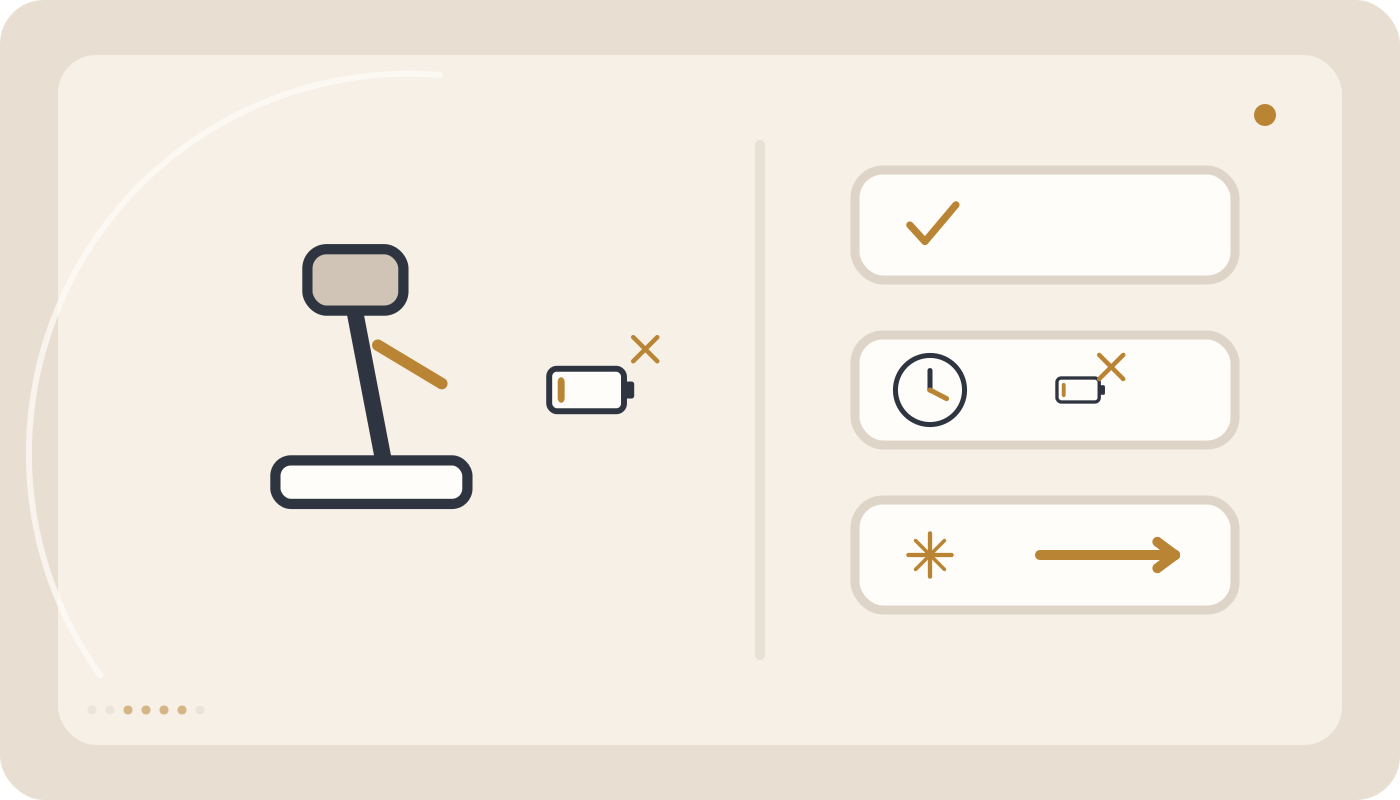
Check the outlet, charger, correct dock seating, clean dry contacts, and battery temperature. Stop charging immediately if the battery is swollen, severely overheated, damaged, smoking, sparking, or producing an unusual odor.
Where should you start?
Why Is My Cordless Vacuum Not Charging?
A cordless vacuum that will not charge does not automatically have a failed battery. The charging path includes the wall outlet, charger, charging cable, dock, metal contacts, battery pack, and battery-management circuitry. A poor connection or fault anywhere in that chain can prevent charging or make it intermittent.
Quick answer:
Check the wall outlet first, then confirm that the charger is fully connected and the vacuum is correctly seated on its dock. Charging contacts should be clean and dry. If the battery is very hot or very cold, allow it to return naturally to normal room temperature. Stop charging immediately if the battery is swollen, severely overheated, damaged, producing an unusual odor, smoking, or sparking.
Quick diagnosis: start with the symptom
| Symptom | Likely cause | First check |
|---|---|---|
| No charging light or indicator | Outlet, charger, cable, or dock connection | Check mains power and charger connections |
| Charging light appears but battery level does not rise | Battery degradation, temperature protection, or charging-circuit fault | Check battery temperature and charging time |
| Charging cuts in and out when the vacuum moves | Dirty contacts or weak physical connection | Inspect dock seating and visible contacts |
| Charger or battery becomes excessively hot | Battery, charger, or connection fault | Stop charging immediately |
| Charging will not start after heavy use | Battery temperature protection | Allow the battery to cool completely |
| Battery reaches “full” quickly but runtime is very short | Reduced battery capacity or charge-state error | Perform a full charge and compare runtime |
1. The wall outlet has no power
Before diagnosing the vacuum, verify the outlet using a known working low-risk appliance. Switched outlets, power strips, and surge protectors can sometimes be the actual cause.
2. The charger is not fully connected
A charger plug can appear connected without being fully seated. Disconnect mains power, inspect both ends, and reconnect them without forcing the connector.
3. The vacuum is not seated correctly on the charging dock
On dock-based models, even a small alignment error can prevent the charging contacts from touching. If charging starts only when you press or reposition the vacuum, inspect the dock alignment and mounting.
4. Charging contacts are dirty
Fine dust, lint, or skin oils can increase contact resistance. With the charger disconnected from mains power, clean visible contacts using a dry, soft, lint-free cloth. Do not use water, liquid cleaner, or metal tools.
5. The battery is still too hot
After extended use, especially in Max or Turbo mode, the battery may be too warm to accept charge. Many lithium-ion battery systems temporarily prevent charging outside their safe temperature range.
6. The battery is too cold
Very low temperature can also prevent charging. Allow the vacuum and battery to return naturally to normal room temperature.
7. The charger is not compatible with the model
A matching connector shape does not guarantee electrical compatibility. Voltage, current, polarity, and charging design must match the vacuum specification.
8. The charging cable is damaged
Inspect the cable for cuts, crushing, severe bending near the connector, discoloration, or unusual heating. If charging works only at a particular cable angle, the cable or connector may be damaged.
9. The charging socket is loose
On models that connect directly to a charging plug, a loose socket can make charging intermittent. Do not hold a damaged connector at an angle simply to keep charging.
10. A removable battery is not fully locked in place
If the vacuum uses a removable battery, remove and reinstall it according to the instructions. Confirm that the locking tabs engage fully.
11. The battery has been deeply discharged
After long storage or deep discharge, some battery systems may take a short time before showing a charging indication. If no charging response appears after a reasonable period, further testing is appropriate.
12. The battery has aged
Lithium-ion batteries gradually lose capacity with time and charge cycles. A worn battery may appear to charge but deliver very short runtime or show unstable battery-level behavior.
13. What does the charging light mean?
Indicator behavior varies by model. Slow flashing, steady illumination, or rapid flashing can mean different things on different products. Always use the exact model instructions rather than assuming another vacuum uses the same pattern.
14. A wall-mounted dock is misaligned
If the dock is mounted unevenly or the vacuum does not rest against it correctly, the charging contacts may not maintain stable pressure.
15. Battery-management protection is preventing charge
Some cordless vacuums use battery-management electronics that suspend charging when temperature, voltage, or cell conditions are outside the permitted range. If all external checks are correct, the battery pack or charging electronics may require diagnosis.
A step-by-step home check
- Switch the vacuum off.
- Verify the wall outlet.
- Inspect the charger for visible damage.
- Allow a hot battery to cool completely.
- Clean charging contacts using a dry cloth.
- Seat the vacuum correctly on the dock or reconnect the charge plug.
- Check the charging indicator according to the model instructions.
- Allow the specified charging time.
If there is still no charging indication, repeated home testing is unlikely to add value. The charger, battery, and charging circuit should be assessed.
How can you tell whether the charger or battery is the problem?
| Observation | More likely area |
|---|---|
| No charger response and no vacuum charging response | Outlet, charger, or charging cable |
| Dock appears powered but battery level does not increase | Battery or battery-management system |
| Charging changes when the connector moves | Socket, cable, or contact problem |
| Battery swells or becomes extremely hot | Battery fault; stop charging immediately |
When can the behavior be temporary?
If charging does not start immediately after heavy use but begins normally after the battery cools, temperature protection may have been active. This can be normal if it is occasional and the battery does not become excessively hot.
When should you stop charging immediately?
- The battery is swollen or deformed.
- There is an unusual chemical or burning odor.
- The battery or charger becomes excessively hot.
- Smoke or sparks are visible.
- The battery housing is cracked or seriously damaged.
- The charging cable is melted or blackened.
Do not reconnect a battery with these warning signs just to “test it again.”
Common mistakes
- Using a charger only because the connector fits.
- Charging immediately while the battery is still very hot.
- Cleaning charge contacts with liquid.
- Holding a loose connector at a special angle to maintain charging.
- Using a visibly damaged charging cable.
- Ignoring battery swelling or abnormal heat.
- Charging the vacuum in a very hot environment.
How to extend charging-system and battery life
Use the correct charger, keep the charging contacts dry and clean, avoid charging an excessively hot battery immediately after heavy use, and do not store or charge the vacuum in extreme heat.
When is technical service appropriate?
If the outlet, charger, cable, dock, and visible contacts are all normal, the vacuum is at room temperature, and the battery is correctly installed but charging still does not occur, technical testing is appropriate.
A service check can distinguish between a charger, socket, dock, battery pack, battery-management board, or internal charging-circuit fault.
Summary
Start with the simplest parts of the charging chain: outlet, charger, dock alignment, contacts, battery temperature, and correct battery installation. If these checks are normal but charging still fails, the battery or charging electronics become more likely. Swelling, severe heat, smoke, sparking, or cable damage always means charging should stop immediately.
Separate charger problems from vacuum problems
Verify the outlet, charger, connector, and any indicator-light pattern against the model manual. Light meanings are not universal.
Battery temperature can block charging temporarily
A battery that is very hot after heavy use or unusually cold may not accept charge until it returns to a normal operating temperature. A full-charge indication followed by very short runtime is a different symptom and points more toward battery condition.
Common mistakes
Change only one variable at a time while diagnosing.
- Do not use an incompatible charger.
- Do not charge an excessively hot battery immediately after heavy use.
- Do not clean charging contacts with liquid.
- Do not hold a loose connector at an angle to maintain charging.
- Do not use a damaged charging cable.
- Do not ignore battery swelling or abnormal heat.
Frequently asked questions
Why will the vacuum not charge immediately after heavy use?
The battery may still be too warm and temperature protection may temporarily prevent charging. Allow it to cool naturally.
Can I use any charger that fits the connector?
No. Voltage, current, polarity, and charging design must be compatible with the exact model.
What if the charging light is on but the battery level does not increase?
The battery, its temperature, or the battery-management and charging system may require inspection.
Can a swollen battery be charged again?
No. Stop charging and using it and arrange safe inspection or replacement.
Related guides and products

Still having the problem?
If safe user-level checks do not solve the issue, do not open the appliance. Submit a service request for technical inspection.